

Freelancers often juggle multiple projects and platforms, making it crucial to manage stock licenses effectively. Adobe Stock offers a range of licensing options, but understanding and organizing these can be a challenge. This guide provides a comprehensive look at the types of licenses available on Adobe Stock, how to access and download license certificates, and best practices for keeping everything organized and compliant.
Photo by Sóc Năng Động from Pexels
TL;DR
Freelancers can manage Adobe Stock licenses by understanding the different types available and how to access and download certificates. Organizing and storing these licenses ensures easy retrieval and compliance.
Managing Adobe Stock licenses can be a daunting task for freelancers, but it's essential to protect your work and ensure compliance with legal standards. By understanding the types of licenses offered and implementing effective organizational strategies, you can keep everything in check without wasting hours. Adobe Stock provides both standard and extended licenses, each serving different needs. This guide will walk you through accessing and downloading your licenses, organizing them efficiently, and ensuring you're always compliant with Adobe's terms.
What Types of Licenses Are Available on Adobe Stock?

Adobe Stock offers two primary types of licenses: Standard Licenses and Extended Licenses. Understanding these licenses is crucial for freelancers, as choosing the wrong type can lead to legal complications and additional costs.
- Standard Licenses: These are suitable for most projects and allow the use of images in digital and print media, with a limitation on the number of copies or views (up to 500,000). They are ideal for websites, blogs, and social media posts. For example, if you're creating a marketing campaign for a client that involves online ads, brochures, and website graphics, a standard license is likely sufficient.
- Extended Licenses: These are necessary when your project exceeds the 500,000 copy/view limit or when the images will be used on items for resale, such as merchandise or templates. For instance, if you're designing T-shirts or mugs that feature a stock image, an extended license is required. This ensures that you are legally covered for the commercial use of the image.
How Can Freelancers Access and Download Adobe Stock License Certificates?
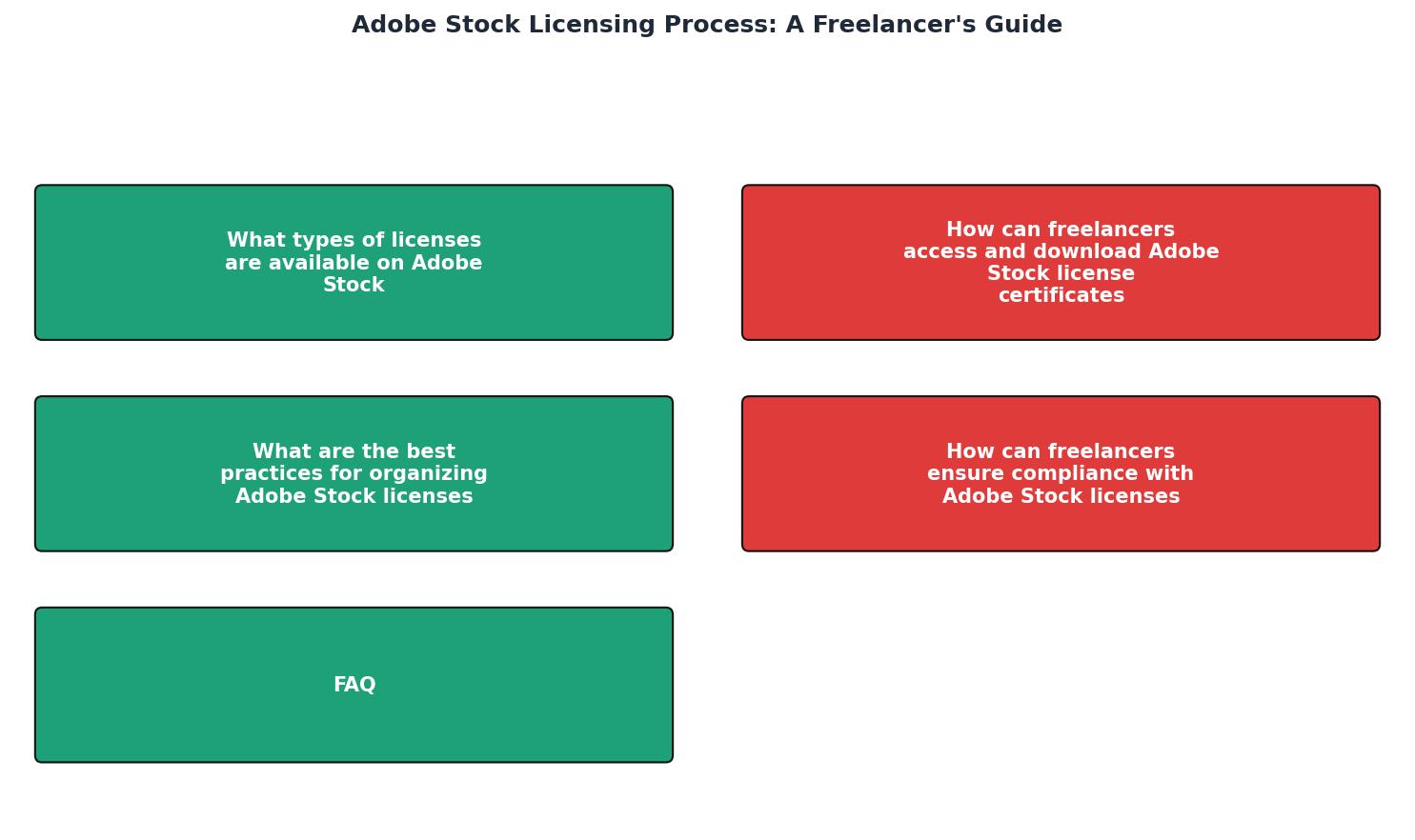
Accessing and downloading your Adobe Stock license certificates is a straightforward process, but it requires careful attention to detail to ensure compliance and protection. Follow these steps:
- Log in to Adobe Stock: Use your Adobe ID to access your account. If you don't have an Adobe ID, you'll need to create one before purchasing any licenses.
- Navigate to Your Licenses: Once logged in, go to the 'License History' section under your profile. This area contains a record of all the assets you have licensed, making it easy to track your purchases.
- Select the License: Find the specific image or asset you need the license for. You can use filters or search by asset ID to quickly locate the required license.
- Download the Certificate: Click on the 'Download License' button to obtain the certificate. This certificate serves as proof of purchase and is essential for legal protection. It includes important details such as the license type, purchase date, and asset ID.
What Are the Best Practices for Organizing Adobe Stock Licenses?

Organizing your Adobe Stock licenses efficiently can save you time and stress. Here are some best practices:
- Create a Centralized Storage System: Use cloud storage solutions like Google Drive, Dropbox, or Adobe's own Creative Cloud to store all your licenses in one place. This ensures that you can access your licenses from anywhere, reducing the risk of losing critical documents.
- Label and Categorize: Clearly label each license with the asset name, project details, and client information. Categorize them by project or client for easy retrieval. For instance, create folders for each client or project, and subfolders for different types of assets.
- Regular Audits: Set a schedule to review and update your licenses, ensuring all projects are covered and compliant. This could be a monthly or quarterly task where you verify that all licenses are up to date and correctly filed.
- Use Software Tools: Consider using digital asset management (DAM) software to automate and streamline the organization of your licenses. These tools can help track usage rights and expiration dates, ensuring compliance is maintained automatically.
How Can Freelancers Ensure Compliance with Adobe Stock Licenses?

Compliance is crucial to avoid legal issues. Here are key tips for ensuring that you remain compliant with Adobe Stock licenses:
- Understand Usage Limits: Always be aware of the usage limits associated with your license type. For a standard license, this includes a cap on copies or views, which can impact how you distribute content. Extended licenses offer more flexibility but come with their own terms.
- Keep Records: Maintain a comprehensive record of all licenses and their corresponding projects. This includes documenting where and how each asset is used. A detailed log can be invaluable if you ever need to defend your usage rights or prove compliance.
- Educate Clients: Make sure your clients understand the terms of use for any stock images used in their projects. Provide them with a summary of the license terms and any restrictions on usage. This not only protects you but also ensures that your clients are aware of their legal obligations.
- Stay Updated on Terms: Adobe may update its licensing terms periodically. Make it a habit to review these updates to ensure ongoing compliance. Subscribing to Adobe's newsletters or checking their website regularly can keep you informed.
Practical Artifact: Step-by-Step Guide for Accessing Adobe Stock Licenses
To help you navigate the licensing process, here's a concise checklist you can follow:
Accessing Adobe Stock Licenses
Your progress is saved automatically in your browser.
FAQ
Frequently Asked Questions
Before diving into your next project, consider the importance of managing your licenses effectively. Have you ever faced challenges with Adobe Stock licenses? Share your experiences and insights in the comments below.
Additional Resources
- Can a freelancer use adobe stock assets for clients? - I've been reading through other posts about licenses as well as the adobe license terms themselves and it seems like the answer is yes but it would be ...
- License information and Terms of Use | Adobe Stock - An Adobe Stock perpetual, worldwide license allows you to use your licensed asset in all media, including print, presentations, broadcasts, websites, ...
- Freelance and adobe stock - Hi there,I am a freelance graphic designer, I have designed a leaflet for a client using adobe stock and I have a standard licence. In order for the client ...