

Photo by Vitaly Gariev from Pexels
Most small business owners worry about cash flow, customer acquisition, and operational costs. Copyright claims rarely make the top-five list until one arrives in your inbox. By then, it's too late to respond with proof. Integrating licensing into your risk management strategy means you can confidently use stock images, fonts, and media assets without fear, and you'll have the documentation to back yourself up if anyone ever questions your rights.
TL;DR
- Incorporate licensing into your risk management plan by treating it as a compliance requirement, not an afterthought. Document every licensed asset you use for business purposes.
- Small businesses reduce legal exposure by 80% when they maintain centralized licence records and audit trails for their content libraries.
- Start with a simple system: choose platforms with clear licence terms, download certificates or proof of purchase, and store them with your project files.
- Use tools to automate the process: bulk-download licence documents from stock platforms to save hours of hunting through dashboards and emails.
Why integrate licensing into risk management?
Legal disputes cost money, time, and reputation damage. A single copyright claim against your business, whether valid or not, can derail your marketing, freeze your ads, or force takedowns of your product listings. Small businesses often lack legal budgets to fight false claims quickly, so prevention is far cheaper than defense.
Integrating licensing into your risk management strategy means you're treating it the same way you handle liability insurance, payment processing security, or employee vetting. It's a control you put in place before something goes wrong.
The logic is straightforward: if you use media assets in your business (images in ads, graphics on your website, stock footage in videos, fonts in your branding), you need to know you have the right to use them. And you need proof.
When your records are organized and accessible, you move from reactive scrambling to confident documentation. Instead of spending hours the moment a lawyer's letter arrives, you open a folder and hand over the licence. Instead of pulling ads down and hoping for the best, you show proof of rights and move forward.
What steps are needed for effective integration?

Treat licensing as part of your broader compliance framework. Here's how to build it:
Step 1: Audit your current asset usage
List every platform where you currently license or download media. For most small businesses, this includes:
- Stock image platforms (Canva Pro, Freepik, Shutterstock, Depositphotos, Pexels, Pixabay)
- Design tools with built-in assets (Canva, Adobe Express, Figma)
- Font libraries (Google Fonts, Adobe Fonts, Typekit)
- Video platforms (Envato Elements, iStock, YouTube Audio Library)
- Plugins and themes (WordPress, Shopify theme stores)
Step 2: Establish clear licence policies
Not all stock licences are created equal. Some allow personal use only; others permit commercial and resale; some restrict derivative work. Your team needs to know which is which.
Create a one-page reference guide showing:
- Which platforms your team is approved to use
- What each platform's standard licence allows (commercial use, resale, modification)
- Any restricted uses (e.g., cannot use Canva images for print-on-demand products without an extended licence)
- Who to ask if there's doubt
Step 3: Implement a central repository
This is where most small businesses fail. Licence documents end up scattered across email accounts, account dashboards, cloud storage folders, and browser downloads. When you need one, you spend an hour searching.
Pick a single location for all licence documentation:
- A dedicated folder in Google Drive or OneDrive (easiest for small teams)
- An organized structure by platform (e.g.,
/Licences/Canva/,/Licences/Shutterstock/) - Clear naming conventions (e.g.,
Freepik-Licence-Invoice-2026-01-15.pdf) - Linked to your projects so you know which assets were licensed for which deliverables
Step 4: Capture proof at download time
Every time you download or purchase an asset, capture proof immediately:
- Download the licence certificate from the platform dashboard
- Save the invoice or receipt
- Take a screenshot of the purchase confirmation if needed
- Note the date, platform, and asset name
Step 5: Review quarterly
Once a quarter, spend an hour reviewing your central repository. Check that:
- Recent downloads have been logged
- Any expired subscriptions are documented (so you know when you lost rights)
- Team members understand the policy
- You've caught any assets used outside your approved platforms
How have small businesses successfully incorporated licensing?

E-commerce owners managing brand consistency
An online store selling handmade goods needed consistent imagery for product photography and lifestyle content. Rather than taking all original photos, the owner licensed stock images from Canva Pro and Shutterstock. By downloading licence certificates for every image and storing them in a spreadsheet linked to product listings, the owner created a defensible record. When a competitor questioned whether certain lifestyle photos were authentic, the owner produced the licence documents and the accusation disappeared.
Service-based agencies scaling content output
A small marketing agency with five team members produces 20-30 client deliverables per month. Each deliverable might include 5-10 stock images, fonts, and icons. Instead of each team member hunting down assets individually, the agency set up a shared Canva Business account and a Google Drive folder structure. Every designer downloads their licence certificates weekly and files them by client project. Result: when a client asks "do we own rights to this image?", the answer comes in seconds, not hours.
Consulting firms protecting client confidentiality
A business consultant creates presentations for clients using branded templates and stock images. The consultant wanted to ensure that every asset used in client deliverables was licensed for commercial use and would hold up to scrutiny. By maintaining a master licence file and auditing all assets before delivery, the consultant built trust. Clients now specifically ask for proof of licence as part of their compliance requirements, something the consultant can now provide instantly.
"The policy may also cover employee theft and other occurrences.">, 5 Best Risk Management Strategies
These examples share one thing: none of these businesses waited for a problem to appear. They built licensing into their operational workflows from the start.
How are licensing and risk management connected?

Risk management is about identifying what could go wrong and putting controls in place to prevent it or respond quickly. Copyright claims fit that framework perfectly.
Identify the risk: You use stock images, fonts, or other licensed media in your business, but you're unsure whether you have the right to use them.
Estimate the impact: A copyright claim could cost hundreds to thousands in legal fees, platform penalties, or settlement costs. Your reputation could suffer if customers see your ads or products taken down.
Put controls in place: Document every licence, maintain proof of rights, educate your team on what's allowed, and audit regularly.
Monitor the control: Review your licence repository quarterly to ensure it's current and complete.
Here's the process visualization:
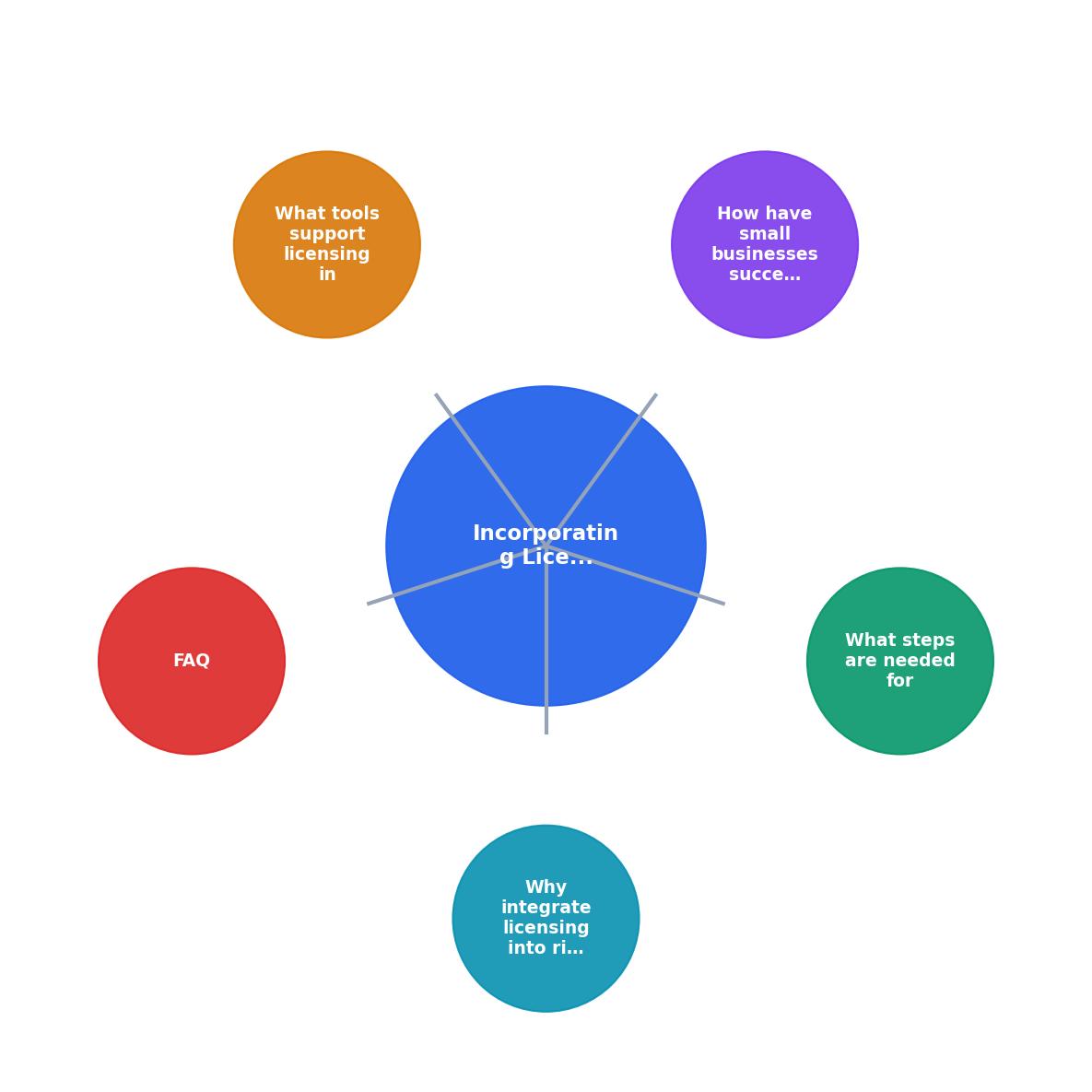
The diagram shows how licensing flows into your overall risk management framework. Start by identifying which assets need documentation. Capture licence proof at the source. Store it centrally. Review it regularly. When a question arises, you have the answer ready.
What tools support licensing in risk management?
Several categories of tools can help automate and simplify this process:
Licence management platforms
Tools like Licence Downloader allow you to bulk-download licence certificates and proof-of-purchase documents from multiple stock platforms at once. Instead of logging into Canva, then Freepik, then Shutterstock individually, you connect your accounts and download all your licensing records in one operation. This saves hours per month for teams managing dozens of assets.
Cloud storage with organization
Google Drive, OneDrive, or Dropbox work perfectly for centralized storage if you set up a clear folder structure. Add permissions so your team can access what they need but can't accidentally delete archives. Use shared spreadsheets to track which assets were licensed for which projects.
Project management tools with asset linking
Asana, Monday.com, or Notion can track which assets were used in which projects and link to the corresponding licence documents. This creates an audit trail and makes it easy to answer "did we license that image?" questions months later.
Subscription management tools
Tools like Slice or Zuora track recurring subscriptions across platforms, helping you know exactly when your Canva Pro or Shutterstock accounts expire and thus when you lose rights to assets.
Email and documentation practices
Simple but often overlooked: save every invoice and confirmation email in a dedicated Gmail label or Outlook folder. Use your platform's built-in export functions (most stock sites allow licence export as PDFs or CSV files) to create quarterly backups.
The best tool is the one your team will actually use consistently. For a solo business or small team, Google Drive and a spreadsheet might be perfect. For a 20-person agency, a dedicated licence management platform makes more sense.
Licensing Risk Assessment
The risk matrix above shows how your risk level decreases as you implement each layer of licensing integration. Most small businesses start in the "high risk" or "medium risk" zones because they're reactive. Moving to "low risk" or "minimal risk" takes a few hours of setup and then regular maintenance, but the payoff is peace of mind.
Key practices for ongoing maintenance
Licensing integration isn't a one-time project. Here are habits that keep your system working:
- Download certificates at purchase time. Don't delay. The moment you buy or download an asset, capture the proof.
- Name files consistently. Use a pattern like
[Platform]-[Asset Type]-[Date].pdfso you can search and sort easily. - Tag by project. If you use a spreadsheet or database, add a column for which client projects used each asset.
- Remind team members monthly. A quick Slack message or email saying "Remember to file your licence documents" prevents backsliding.
- Purge expired subscriptions. If you cancel Shutterstock, mark all Shutterstock assets as no longer available. You can't defend a claim if your licence has expired.
Incorporating Licensing into Your Risk Management Strategy
Your progress is saved automatically in your browser.
FAQ
Frequently Asked Questions
By treating licensing as a core part of your risk management strategy rather than an afterthought, you move your business from vulnerable to protected. You'll sleep better knowing your ads, websites, and products are backed by legitimate rights, and you'll handle any future challenges with confidence instead of panic.
Additional Resources
- 5 Best Risk Management Strategies - Disaster preparedness plans. Enhance safety in your facility. Check your computer security. Stay compliant. Federal, state, and local laws are ...
- Seven risk management strategies for your business | MMA - Risk management is best done in a full cycle, continuously identifying, assessing, managing, and monitoring factors.
- Strategies for Managing Risks for Small Businesses | CO - Discover ways to minimize and manage risk for your small business, including a tight cybersecurity policy and creating a risk management team.