

When you deliver a design to a client, you're handing over more than files, you're handing over legal responsibility. If that client later faces a copyright claim on one of your stock assets, you need proof that every element was properly licensed. Envato Elements makes this harder than it should be, and the gaps in their licence documentation can leave you exposed when you need protection most.
TL;DR:- Envato Elements does not issue per-download licence certificates like Shutterstock or Adobe Stock do, making client handoffs messy and risky.
- Your subscription proof and download history are your only audit trail, but Envato's dashboard interface makes exporting this data difficult and incomplete.
- Solo freelancers must document downloads manually or use third-party tools to build defensible proof for client records.
- A clear system for tracking which assets went into which client project is essential; without it, you cannot prove licensing months later.
- Bulk download tools save hours and reduce the chance you miss a critical asset when assembling client-ready proofs.
Why This Matters in 2026
Envato Elements is popular with solo designers because the all-you-can-download subscription model feels risk-free. Pay one monthly fee, use hundreds of assets. But that comfort mask a real problem: when you hand off a completed project to a client, you have no simple way to prove which assets are licensed under which terms.
The contract between you and your client almost always includes a clause stating that every asset in the deliverable is either original work or properly licensed. If a client later gets a cease-and-desist letter from a copyright holder, or if a marketplace platform flags an image as unlicensed, the first question is always: "Do you have proof?" Your Envato subscription receipt is not enough. A screenshot of your download history is not enough. You need documented, exportable evidence tied to each specific asset and the licence terms that came with it.
Envato Elements provides none of this. Not by design, by omission. Their platform assumes you are the end user, not a professional handing off work to clients. That assumption breaks down the moment you become a freelancer or agency producer.
Common Mistakes Freelancers Make
The most common mistake is assuming that because you paid for a subscription, your client is automatically protected. Wrong. Your subscription is personal to you. When you hand off files, your client has no licence record whatsoever unless you provide it.
The second mistake is treating Envato's download history as audit-ready proof. It is not. Envato's dashboard shows you that you downloaded something, but the interface is clunky, the export options are limited, and there is no way to tag or organize downloads by project or client. If you need to prove that asset XYZ was included in Client A's project on June 15, you will have a hard time proving that from the Envato interface alone.
The third mistake, and this one costs real money, is not clarifying licence terms before delivery. Envato Elements grants a fairly permissive licence, but there are limitations. You cannot use assets on behalf of a third party without a separate commercial licence. You cannot resell templates. Most freelancers gloss over these terms because the subscription feels like a blanket "you can use this" pass. It is not.
"The advanced features in each app come with a significant learning curve.">, The 12 Best Tools for Web Designers in 2026
This quote applies directly: Envato Elements' licence model requires you to learn its terms inside out. Miss the details, and you expose both yourself and your client.
The Core Problem: No Per-Asset Licence Certificates
Unlike Shutterstock, Adobe Stock, or iStock, Envato Elements does not issue a downloadable licence certificate for each asset. When you download a photo from Shutterstock, you get a certificate file that names the asset, the date, the licence type, and your account. Keep that file, and years later you can prove that asset was licensed.

Envato Elements gives you nothing like that. Your proof is:
- A subscription receipt (showing you paid for access, not which assets you used)
- Your download history (visible in the Envato dashboard, but difficult to export in a usable format)
- The asset file itself, which may or may not contain embedded metadata showing when and where it came from
The missing link is a documented chain of custody. Your client needs to know: "This logo was downloaded from Envato Elements on [date] under subscription licence [your account], with terms allowing commercial use in delivery to my clients." Right now, you have to assemble that proof manually, piece by piece.
How to Build Proof for Client Handoffs
The solution is a two-step system: document what you download, and tie each asset to a specific client project.
Start by organizing your downloads. Every time you grab an asset from Envato for a specific job, create a folder or spreadsheet entry named after the client or project. Include:
- Asset name and Envato ID (if available)
- Download date
- Asset type (photo, graphic, template, font, video, etc.)
- Intended use in the deliverable
- Any custom modifications you made
- Your subscription plan active on that date
Second, create a client handoff document that accompanies every delivery. This document lists every third-party asset included in the project, where it came from, and the relevant licence terms. Include your Envato subscription proof (a screenshot of your active plan or a copy of the receipt). When your client signs off on the delivery, they are also confirming they have received licence documentation.

Step-by-Step Workflow
Here is a concrete workflow you can put in place today:
Before each project starts:- Create a project folder on your computer (or in your project management tool).
- Add a sub-folder called "Third-Party Assets" or "Licence Documentation."
- Create a spreadsheet or text file listing assets you plan to source.
- Save each asset to the project folder, not to a generic "Downloads" folder.
- Add the asset to your spreadsheet: name, ID, date, type, and the Envato subscription plan you were using.
- If you modify the asset (crop, recolor, etc.), note that in the spreadsheet.
- Cross-check your list against what you actually used in the final deliverable. Remove any downloads you ditched.
- Take a screenshot of your current Envato subscription status (showing it is active and what you are paying for).
- Create a one-page licence summary document that lists each asset, its source, the licence terms (you can copy these from Envato's help pages), and a note that all assets are licensed under your active Envato Elements subscription.
- Include both the screenshot and the summary in the client deliverable package.
- Keep the project folder and all licence documentation for at least two years after delivery. If the client comes back with a legal question, you need to pull this up instantly.
Why Bulk Tools Save Time
If you use Envato Elements regularly, manually tracking every asset becomes impractical after a few months. A bulk download and documentation tool can:
- Pull your entire Envato download history automatically
- Export it in a structured format (CSV, PDF, etc.)
- Tag assets by project or date range
- Generate client-ready licence summary documents
- Archive everything in a searchable database
The Risks of Not Having Proof
What happens if you do not have documented proof of licensing?
If a client faces a copyright claim, they will ask you to indemnify them, to cover the legal costs and any damages. Your insurance might not cover it if you cannot prove you acted in good faith by licensing the asset. You could be liable for thousands of dollars.
If a client's work gets flagged on a marketplace (Amazon, Etsy, Shopify, Meta Ads), the platform will take it down. Your client will blame you. Without proof that you properly licensed the asset, you have no defense.
If your work gets reused or resold without your knowledge, and an asset is later found to be unlicensed, you share the liability because you delivered it. Your name is on it.
None of these scenarios are rare. They happen because freelancers and clients both assume "I bought it" equals "I can use it safely." It does not. You need proof.
Freelancer Licence Status Example
This interactive dashboard example shows what a well-organized freelancer's licence system looks like. Every project is tracked, every download is documented, and every client receives complete proof. This is the standard you should aim for if you use Envato Elements professionally.
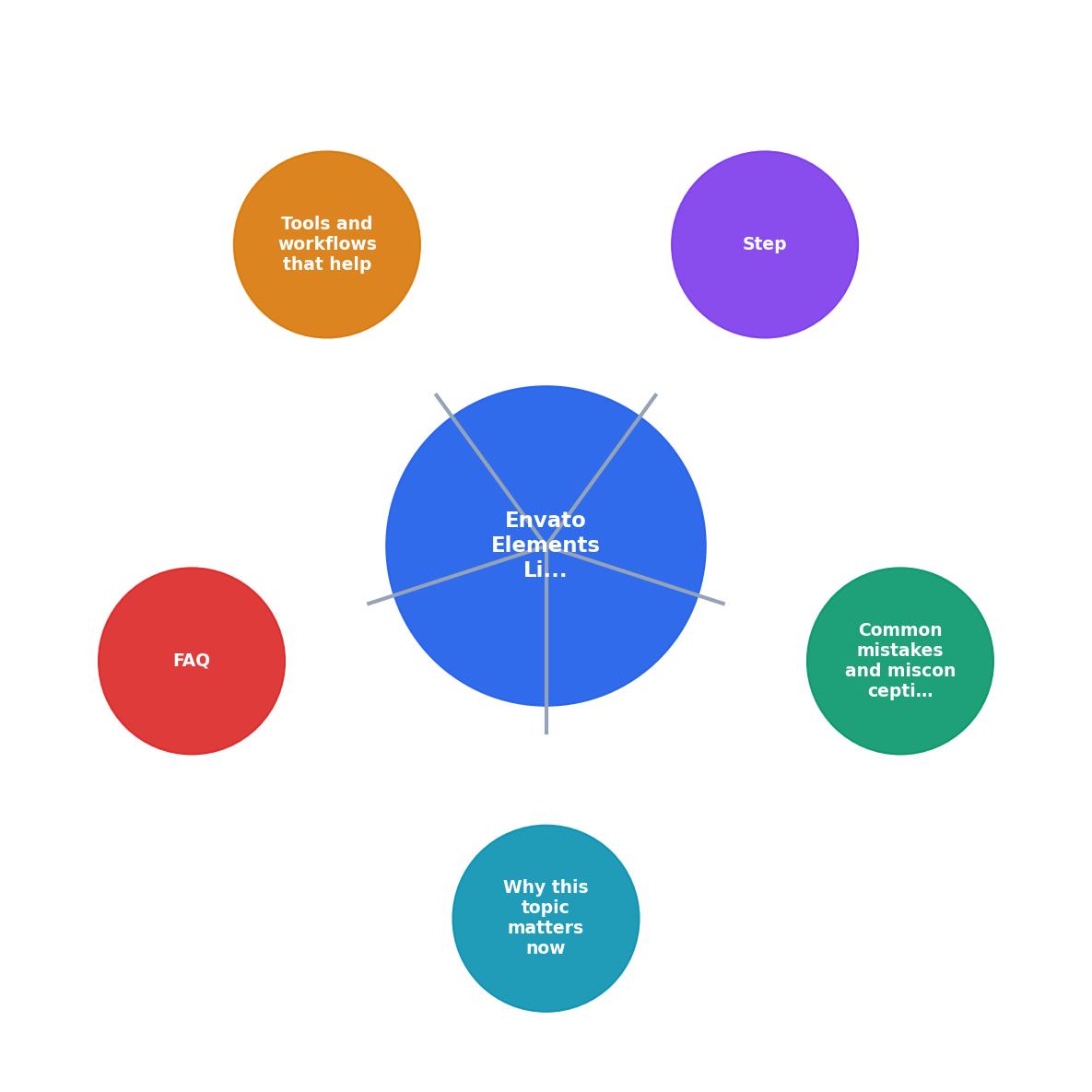
What Tools and Workflows Help
Beyond the manual spreadsheet approach, there are tools that automate the messy parts:
- Bulk download managers: These pull your Envato history and let you batch-export assets with metadata intact.
- Licence documentation generators: Tools that create client-ready summary documents in minutes, not hours.
- Project management integrations: If you use Asana, Monday, or Notion, you can tag and track assets directly in your project workflow.
- Archive and retrieval systems: Searchable databases that let you quickly find "all assets used in Project X" years after delivery.
Envato Elements Client Handoff Checklist
Your progress is saved automatically in your browser.
FAQ
Frequently Asked Questions
The gap between Envato Elements' casual user experience and the realities of professional client work is real. Envato has no incentive to close it, they focus on making content cheap and plentiful, not on making it audit-ready. That means the burden falls on you.
Additional Resources
- The 12 Best Tools for Web Designers in 2026 - OneNine - Discover the best tools for web designers in 2026. Our curated list covers design, prototyping, and asset management to streamline your ...
- The 12 Best Tools for Web Designers in 2026 - Envato Elements is an all-in-one subscription service that grants web designers unlimited access to a massive library of over 26 million ...
- Compare CodeCanyon vs. Envato Elements in 2026 - The Platform offers options for securing code as well as addressing an ubiquitous gap in managing third-party digital supply chains risk - controlling actions ...