
When you hand off a project to a client, you hand over more than files. You hand over risk. If that project contains stock images from Envato Elements, and your client can't prove they own a valid licence for every asset, you're both exposed. Envato Elements licences are often incomplete in handoff documentation, custom token sets go missing, and months later a client discovers they're using an unlicensed image. This article walks you through closing those gaps.
Photo by Mustafa Akkuş from Pexels
TL;DR:- Envato Elements licences frequently lack complete documentation during client handoffs, especially custom token sets tied to specific items.
- Clients inherit vague or missing proof that images are licensed for their intended use.
- Create a clear licence audit trail using custom token sets, item-level records, and client-ready handoff packages before delivery.
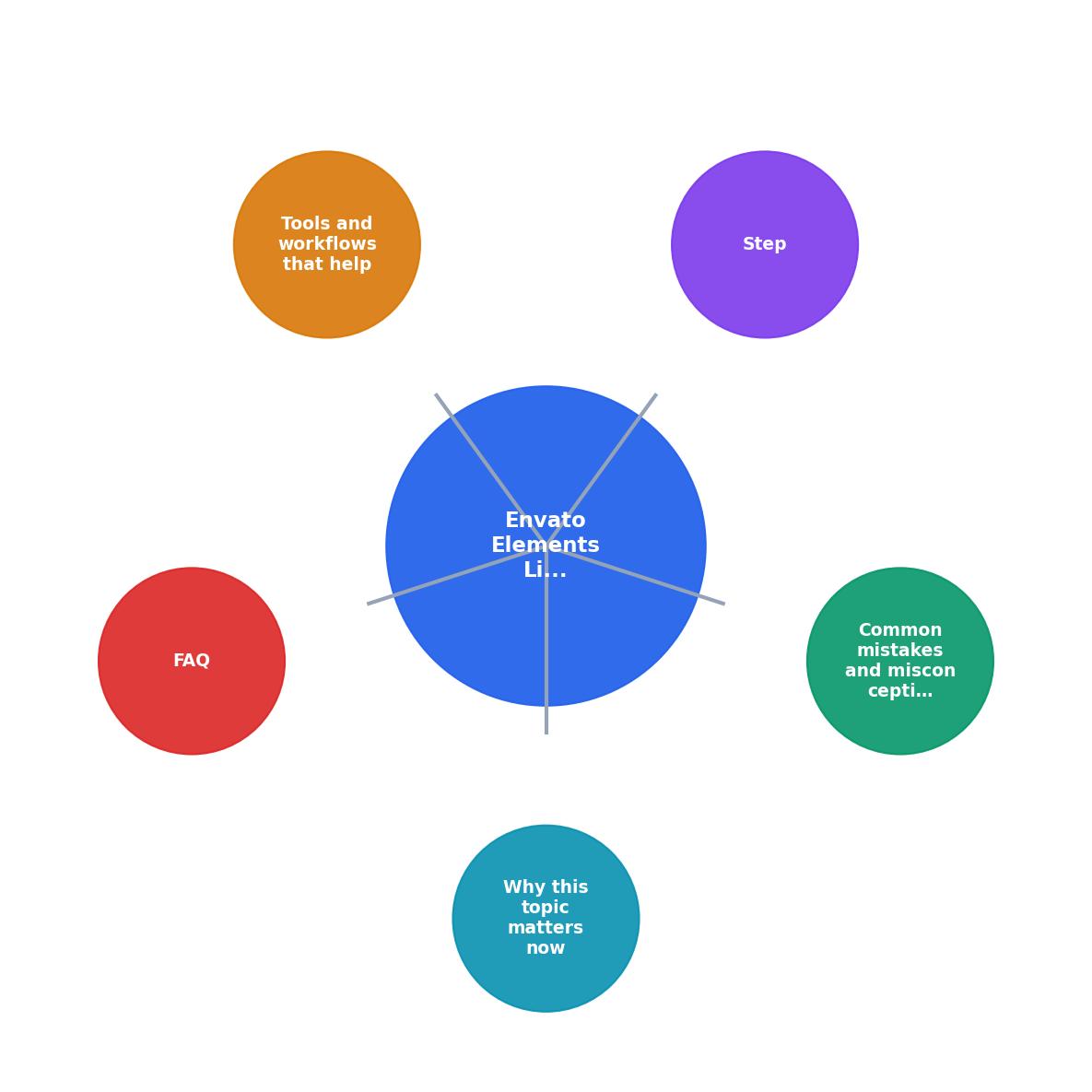
Why this problem exists now
Envato Elements has grown into a standard platform for freelancers and agencies. You pay a flat monthly fee, download unlimited items, and the licence is bundled. Simple. But that simplicity breaks the moment you hand a project to a client.
Here's the gap: Envato Elements doesn't automatically generate per-item licence certificates tied to download dates or custom token sets. When you hand a client a Photoshop file with embedded images from Envato, they get the file. They don't automatically get proof that each image was licensed under your subscription on the date you used it. If your Envato account was downgraded or cancelled after the handoff, your client has no audit trail showing they were ever entitled to use those assets.
Custom token sets, metadata tags or identifiers you can apply to items in your Envato account, make this worse. They're designed to help you organize downloads, but they're rarely exported or documented in client handoffs. Your client doesn't know you tagged an image with "campaign_v2_final" or "client_approved_2026". When a legal question arises, that metadata is invisible to them.
Common mistakes that create exposure
Most handoff processes overlook licence documentation entirely. You send the design files. You send a fonts list. You send usage guidelines. Licence proof? It stays in your Envato dashboard.
Mistake 1: Assuming the client has licence access. They don't. Your Envato subscription is personal to you. Your client has no way to log in to your account and verify that you downloaded an image from Envato Elements. They own the file you delivered, but not the proof that it was licensed.
Mistake 2: Mixing platform sources without tracking. A single project often pulls from Envato Elements, Freepik, Unsplash, and Pexels. Without a master list linking each image to its platform and licence status, your client can't tell them apart. Months later, they assume all images are covered equally, they're not.
Mistake 3: Ignoring custom token sets. If you used custom tokens to organize Envato downloads by project, client, or campaign, those tags disappear in the handoff. The client gets images without context. If they re-use a variant or modify the project, they lose the link back to your original licensing decision.
Mistake 4: No timestamp or download-date record. Envato Elements allows downloads during an active subscription. If you upgrade, downgrade, or cancel, download rights may change. Without a dated record of when you downloaded each item under which licence tier, you can't prove your client's usage was valid at the time.
Step-by-step approach to close the gaps

Before you hand off a project, build a licence audit package. This doesn't take hours, it takes a system.
1. Audit your Envato downloads for the project.
Log into Envato Elements. Navigate to your download history. Filter by date range or project name if your downloads are tagged. List every item you used from Envato in the final deliverable. Include:- Item ID (Envato assigns this; it's in the URL)
- Item name (e.g., "Urban Office Desk Scene Vol. 3")
- Download date
- Any custom token sets you applied
- The file you embedded it in (e.g., "hero_banner.psd")
2. Create custom token sets for handoff.
Before you hand off, create a new custom token set in your Envato account called "client_[name]_[date]" (e.g., "client_acme_corp_2026_01"). Tag every item used in this project with that token. This token set serves as your master inventory and makes it easy to export or reference later.
Envato Custom Tokens are free and built into the platform. They're searchable and exportable via your account settings. Your client won't see this tag directly, but you create a record of what you included.
3. Document licence scope and restrictions.
Envato Elements licences have limits. Standard licences typically allow:- Use in unlimited projects (personal and commercial)
- Modification and derivative works
- Not for resale as-is
- Not for use on competing stock platforms
If you used extended licences on any items, note that separately. Your client needs to know what they can and can't do.
4. Export and package the audit trail.
Download a screenshot or export of your custom token set showing all tagged items. Include the spreadsheet you created in step 1. Add the licence scope summary. Bundle these into a "Licence Audit" PDF or folder that travels with the project handoff.
Your client receives:- A list of every Envato item used
- Download dates (proof these were under your subscription at the time)
- Your custom token set tag (metadata linking to your original organization)
- Licence scope and restrictions
- Your contact info in case questions arise
Why custom token sets matter more in 2026
Custom token sets aren't just for organization. They're an audit trail. In 2026, as creative output scales and teams grow, platforms like Envato are moving toward better API access and export tools. If you tag items with custom tokens now, future integrations, tools that auto-download licences or audit platforms, will be able to read and export that metadata automatically.
You're also building a habit. Every project gets a token set. Every handoff includes the token set export. Over time, your client (or your agency's compliance team) can trace every asset back to its source, download date, and intended use. That's audit-ready protection.
Tools and workflows that help
Licence Downloader (licencedownloader.com) can bulk-export your Envato Elements download history and create structured licence reports. Instead of manually building the spreadsheet in step 1, you can generate an audit-ready list in minutes. It pulls Envato data, cross-references it with your account metadata, and outputs a client-ready handoff package.
For teams, consider adding custom token sets to your project onboarding checklist. When a freelancer submits work, require that all stock media is tagged with a project-specific token. When you hand off to the client, export the token set inventory. This scales the audit trail across dozens of projects without extra effort.
Actionable licence handoff checklist
Envato Elements Client Handoff Checklist
Your progress is saved automatically in your browser.
FAQ
Frequently Asked Questions
Pro Tip: Automate Your Licence Audits
Consider setting up a monthly reminder to export your Envato custom token sets and maintain a master licence registry for all active projects. This proactive approach ensures you're never caught without documentation when a client request or legal question arises. Tools like Licence Downloader can integrate with your workflow to generate these exports automatically, saving hours each month and reducing the risk of gaps in your handoff documentation.
Additional Resources
- Envato Elements License FAQ - This article answers common questions about how the Envato Elements Licence applies in specific situations. It is an excellent starting ...
- Envato Elements License – Envato Support | Help Center - Your commercial rights to use End Products created with fonts remain permanent for completed projects, even after subscription cancellation.
- Can I Get a Custom or Modified Envato License? - Envato does not offer custom, modified, or extended licence terms for individual subscribers — with one exception: the Enterprise plan. Envato ...