

As the year winds down, your stock image licenses are scattered across multiple platforms, invoices are buried in email, and if a client or marketplace asks for proof of licensing right now, you'd spend hours hunting for it. Year-end is the perfect moment to audit, organize, and lock down proof that every image in your portfolio or product catalog is properly licensed.
Photo by Tiger Lily from Pexels
TL;DR:- Stock image licenses are proof. Year-end is when you should collect and organize all of it.
- Most platforms bury license certificates deep in account dashboards; bulk downloads save hours.
- Create a simple spreadsheet linking each image to its license file so you can respond to audits instantly.
- Start with your highest-risk platforms (Adobe Stock, Shutterstock, Freepik) and work down.
Why year-end matters for compliance
Year-end compliance isn't just tax season noise. For anyone selling products, running ads, or delivering client work, stock image licenses are your legal shield. If a platform flags an image, a client disputes ownership, or a marketplace audit happens, you need instant proof that you purchased the right to use it.
Most solo creators and small businesses store this proof badly: scattered across browser tabs, old emails, and vague account dashboards. By year-end, you've likely added dozens or hundreds of images. The time to organize is now, before you're scrambling mid-audit.

Common mistakes that cost you
Mistake 1: Assuming free downloads don't need proof. Canva, Pexels, Unsplash, and free tiers technically don't require receipts, but if a marketplace like Etsy or Meta flags an image as unlicensed, you'll wish you had a dated download record. Keep them anyway.
Mistake 2: Relying on the original email receipt. Email is fragile. Inboxes fill up, messages get archived, and forwarding loses metadata. The platform's official certificate is the legal document.
Mistake 3: Mixing commercial and personal licenses. You bought a "personal use" image months ago, forgot, and used it in a paid campaign. Now you're exposed. A year-end audit catches this before it becomes a problem.
Mistake 4: Not downloading certificates before platform changes. Platforms redesign their dashboards, sometimes remove old download history, or change account access. Download proof now while you can still access it.
Mistake 5: Storing everything in one unsorted folder. You have 300 license PDFs but no way to find the one for that blue background image in your top-selling product. Organization matters as much as collection.
Step-by-step compliance prep
Step 1: List your platforms
Write down every place you've bought or downloaded stock images in the last year:- Adobe Stock
- Shutterstock
- Freepik (free and paid tiers)
- Envato Elements
- iStock
- Getty Images
- Canva Pro
- Depositphotos
- Pexels, Unsplash, Pixabay (free)
- Any other service

Step 2: Download all certificates and receipts
Log into each platform and download its license history:
Adobe Stock: Account → Licenses → Export or screenshot each active license.
Shutterstock: Account → Licenses → Download all license certificates as PDFs.
Freepik: Account → Licenses → Download proof of license for each purchased image.
Envato Elements: Account → Your items → Download license documents.
Canva Pro: Account → Billing → Download invoices; list downloaded images in a spreadsheet.
For free platforms (Pexels, Unsplash), take a screenshot of the download page or the image metadata showing the date and platform name. This metadata is your proof.
Save everything in a single folder structured by platform: /Licenses/Adobe_Stock/, /Licenses/Shutterstock/, etc.
Step 3: Map images to licenses
Now for the tedious but crucial part: link each image in your actual work to its license file.
Create a simple spreadsheet with these columns:- Image name or ID
- Platform
- License type (standard, extended, etc.)
- Purchase date
- Path to certificate file
- Used in (product name, campaign, client project)
- Images in active/top-selling products or campaigns
- Images used in client deliverables
- Images you've edited or modified
- Any images you're unsure about
"Product accuracy is usually the first requirement before visual creativity.">, E
Step 4: Flag anything risky
Review each license file for:- Expiration dates. Some licenses are temporary; mark them clearly.
- Usage restrictions. Is the image restricted to personal use? For editorial only? No commercial derivatives?
- Territory limits. Some licenses limit use to specific countries.
- Platform policies. If you're selling on Etsy or Amazon, confirm the license type allows resale/commercial use on those platforms.
Tools and workflows that save time
Bulk download tools: If you have hundreds of images across platforms, manual download takes forever. Licence Downloader automates this, log once, download all your certificates and records from Freepik, Shutterstock, Adobe Stock, Envato, and others in minutes. This is the year-end shortcut that actually works.
Spreadsheet templates: Use Google Sheets or Airtable. Create a master "Stock License Audit" template:- Rows = images
- Columns = metadata + certificate file path + status
- Share with your team (if you have one) so everyone knows which images are safe to use
Annual reminder: Set a calendar event for November 2027 to do this again. Make it a 2-hour ritual.
Interactive Compliance Checklist
To make your year-end audit actionable, here's a step-by-step checklist you can work through today:
Year-End Stock Image Compliance Audit
Your progress is saved automatically in your browser.
Real-world example: A freelancer's workflow
Say you're a freelance designer with Freepik, Adobe Stock, and Canva Pro. You've used maybe 80 images this year across client projects and your own portfolio.
You spend 20 minutes downloading all three platforms' license histories. You get 47 Freepik certificates, 23 Adobe files, and 10 Canva invoices. You organize them into folders.
Next, you create a spreadsheet and add your 15 most important images, logos you've sold, backgrounds used in client decks, photos in your case studies. You note that 3 Canva images are personal-use only and remove them from client work. You verify that all Freepik images allow commercial use.
A month later, a client asks for proof that a background image is licensed. You search your spreadsheet, find "FreepikBackground_2024_07.pdf" in 10 seconds, and send it. Audit closed. Time saved: 30 minutes of hunting and stress.
Visual workflow overview
Here's how the compliance process flows from start to finish:
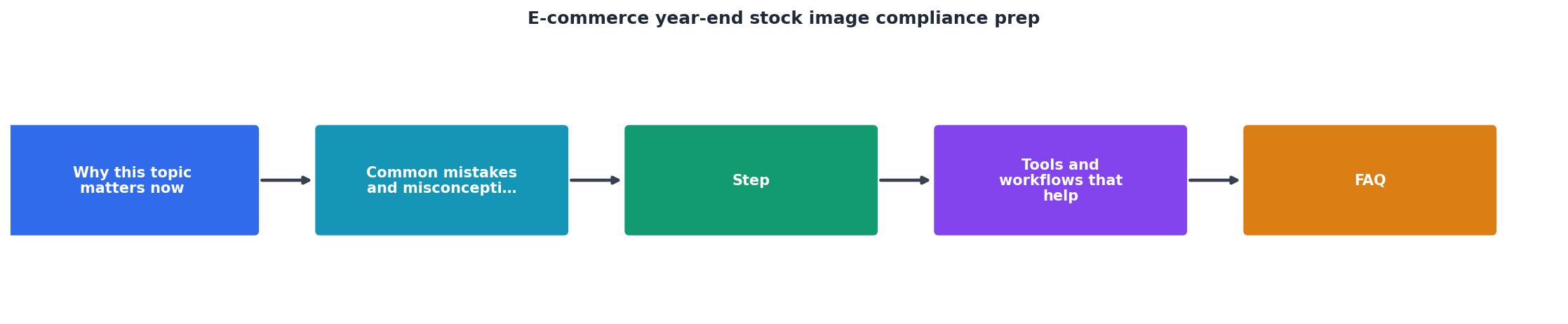
The diagram shows the five core steps: audit your platforms, download certificates, organize files, map images, and back up. Each step feeds into the next. If you skip organization or mapping, the download step loses its value.
Interactive Compliance Dashboard
Below is a visual summary of what a typical freelancer's year-end compliance profile looks like. This example shows a freelancer using three platforms with varying license counts and risk levels:
This dashboard shows a realistic scenario: you've downloaded 132 licenses across three platforms, mapped 90 of them to active work, and flagged a few for review. This freelancer is mostly audit-ready by year-end and knows exactly which images need attention before Q1.
FAQ
Frequently Asked Questions
Year-end is busy, but an hour spent organizing stock licenses now will save you hours of stress if an audit or dispute happens in 2027. Start with your most-used platforms, download what you can, and spreadsheet the images that matter most. By January, you'll have proof that your creative work is protected by actual licenses, not just optimistic assumptions.
Additional Resources
- E-commerce Main Image Compliance Changes: 5 Updates ... - You should begin updating your product image workflow immediately, with full compliance required by September 1, 2026.
- E-commerce Image Standards to Improve Sales and ... - Learn how ecommerce image standards enhance product clarity, reduce returns, and improve SEO through consistent visuals and technical compliance ...
- Amazon Updates Product Image Guidelines for 2026 - Image compliance is no longer just a requirement, but it is becoming a performance lever. Listings with incomplete images can be suppressed, as ...