Access Your Depositphotos Licence Records
Navigating the world of stock image licences can be a daunting task, especially for small business owners who are not design or legal experts. Depositphotos offers a range of licences, but understanding how to access and manage these records is crucial for ensuring compliance and protecting against copyright claims. This guide will walk you through the process of accessing your Depositphotos licence records, downloading your documents, and organizing them effectively.

Navigating the world of stock image licences can be a daunting task, especially for small business owners who are not design or legal experts. Depositphotos offers a range of licences, but understanding how to access and manage these records is crucial for ensuring compliance and protecting against copyright claims. This guide will walk you through the process of accessing your Depositphotos licence records, downloading your documents, and organizing them effectively.
TL;DR:- Log into Depositphotos and find the licence records section.
- Download your licence documents and organize them for easy access.
- Ensure compliance to protect against copyright claims.
Understanding Depositphotos Licences
Depositphotos offers various types of licences, each tailored to different usage needs. Understanding these is vital to ensure you're using images legally. The most common licences include the Standard Licence and the Extended Licence. The Standard Licence typically covers digital use such as websites, social media, and online advertisements. It allows you to use images in digital formats, with certain restrictions on the number of copies or impressions.
The Extended Licence, on the other hand, offers more flexibility and is suited for projects that require a broader scope of use. This licence is necessary if you plan to use images in physical products for resale, such as t-shirts, mugs, or printed materials that exceed a certain number of copies. Knowing which licence you hold for each asset is crucial for compliance and avoiding copyright infringement.
Understanding the nuances of each licence is important. For instance, while the Standard Licence might limit the number of physical copies to a few hundred thousand, the Extended Licence might allow for unlimited copies. Additionally, the Standard Licence might not cover use in templates or items for resale, whereas the Extended Licence would. Be sure to carefully read the terms of each licence to ensure compliance.

Navigating the Depositphotos Platform
To access your licence records on Depositphotos, first, log in to your account using your credentials. Once logged in, the next step involves navigating to the "Downloads" or "Licences" section. This section is typically found under your account settings or profile menu. This is where Depositphotos stores all your purchased licences, making it the central hub for managing your licence records.
If you're having trouble finding this section, look for a "My Account" or "Profile" area. These sections often house links to your purchases and licence records. It's worth noting that the platform's layout might change over time, so if you encounter any difficulties, consult the help section or contact customer support for guidance.
Downloading Your Licence Documents
Once you've located the licence records section, downloading your documents becomes straightforward. Select the licences you need, which are usually available as PDFs, and download them to your computer. It's important to ensure you download all relevant documents to avoid any future compliance issues.
Downloading your licence documents is not just about compliance; it’s also about having easy access when needed. For instance, if you need to prove ownership or usage rights during a copyright dispute, having your documents readily available can expedite the resolution process and protect your business interests.
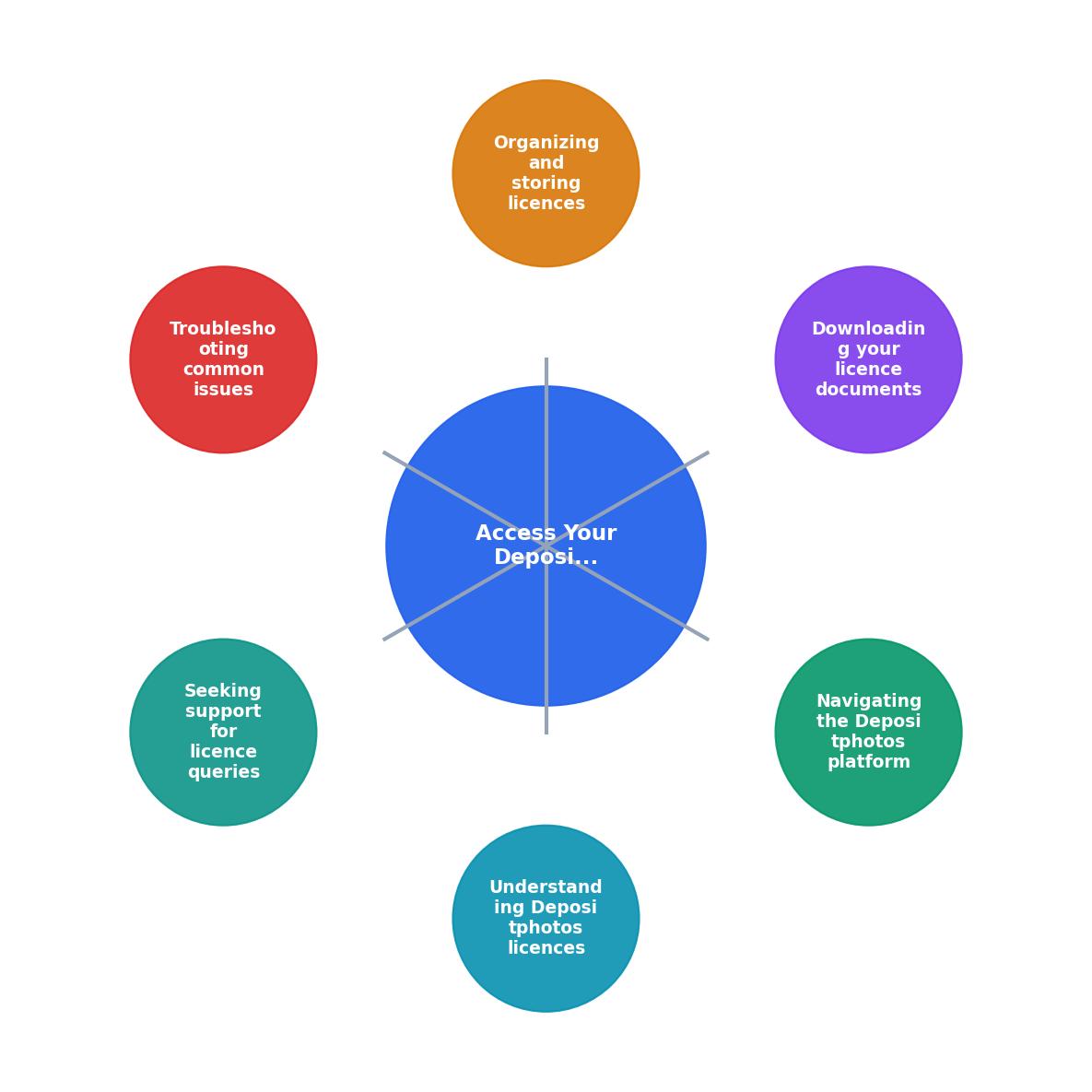
Organizing and Storing Licences
Proper organization of your licence documents is crucial for efficient business operations. Create a dedicated folder on your computer or cloud storage specifically for Depositphotos licences. This folder should be easily accessible and regularly updated with new licence documents as you purchase additional assets.
Within this folder, consider categorizing licences by project, date, or type of licence. This categorization will help you quickly locate the necessary documents when needed. For example, you might have subfolders for "Website Assets," "Print Materials," and "Merchandising."
Regularly back up this folder to prevent data loss. Utilize cloud storage solutions like Google Drive, Dropbox, or OneDrive to ensure that your documents are not only safe from hardware failures but also accessible from anywhere. Regular backups also protect against accidental deletions or modifications.

Troubleshooting Common Issues
Despite best efforts, sometimes issues arise with licence records. Common problems include unclear licence terms, missing documents, or discrepancies between what you believe you purchased and what's recorded. If this happens, revisit the Depositphotos platform and double-check your purchase history to ensure all records are complete and accurate.
If discrepancies persist, contacting Depositphotos customer support can help resolve these issues. They can provide clarification on licence terms, assist in retrieving missing documents, and correct any errors in your records. Keep records of all communications with customer support for future reference, as these can be invaluable if disputes arise.
Seeking Support for Licence Queries
If you find yourself confused or in need of clarification regarding your licences, Depositphotos provides customer support via email or chat. Utilize these resources to ensure you fully understand your rights and responsibilities concerning image usage. The support team can help explain complex terms, assist with account issues, and guide you through any technical difficulties you may encounter on the platform.
Engaging with support early can prevent minor issues from escalating into major problems. Whether you need help understanding the scope of your licence or need assistance with a technical issue, the support team is there to assist you. Additionally, reviewing the FAQ and help sections on the Depositphotos website can provide quick answers to common questions.

Key takeaway
Practical Guide: Managing Depositphotos Licence Information
To effectively manage your Depositphotos licence information, follow this checklist:
Organize Your Depositphotos Licences
Your progress is saved automatically in your browser.
FAQ
Frequently Asked Questions
Navigating Depositphotos licences doesn't have to be overwhelming. By following these steps, you can ensure that your business remains compliant and protected. Have questions or tips to share? Let us know in the comments below.
Additional Resources
- Where I can download the license as proof to use ... - To download a license, please go to the Home page -> Downloads folder and click the icon in the License column for the file you purchased.
- I purchased a stock image from an online repository, ... - Typically, your original license from the seller (e.g., Depositphotos) suffices to demonstrate lawful use. Always keep records of licenses ...
- Understanding Stock Photography Copyright - To make your upcoming projects are not only legal but also truly unique, register at Depositphotos to get access to a fantastic library with more than 100 ...
Need to Download Your Licences?
Save hours of manual work. We download all your stock photo licence certificates for you.
Get Started“Thanks to LicenceDownloader.com, I was able to download more than 1,000 Freepik licences and receive them all at once via ZIP.”
Marlon Mainardy