Choosing a Tool for Efficient Canva Licence Downloads
You downloaded a bunch of premium Canva elements for your product photos, social ads, and store banners. Six months later, someone flags one of your images and asks for proof you licensed it. You open Canva, click around for twenty minutes, and realize you have no idea where the licence certificate lives or if one even exists. Picking the right tool to grab and organize those licences before trouble arrives is the single best thing you can do to protect your small business.

You downloaded a bunch of premium Canva elements for your product photos, social ads, and store banners. Six months later, someone flags one of your images and asks for proof you licensed it. You open Canva, click around for twenty minutes, and realize you have no idea where the licence certificate lives or if one even exists. Picking the right tool to grab and organize those licences before trouble arrives is the single best thing you can do to protect your small business.
Photo by Jonathan Borba from Pexels
TL;DR:- Canva buries licence proof inside individual design pages, making manual retrieval slow and confusing.
- The right download tool should handle Canva Pro, Canva Free, and one-time purchase licences, cost under $20/month, and export files you can actually find later.
- Dedicated tools like Licence Downloader let you bulk-pull licence records in minutes instead of hours.
Why Canva Licences Are Tricky
Canva is not Shutterstock. There is no single "licence history" page where every asset you ever used shows up in a neat table. Instead, Canva ties licence rights to your subscription tier and the specific design where you placed an element. Cancel your Canva Pro subscription, and your access to premium element documentation changes. Use a free element with a "Canva Free" licence, and the attribution requirements differ from a Pro element.
That fragmentation creates real problems. A marketplace like Amazon or Etsy can request proof that the image on your listing is commercially licensed. An ad platform like Meta can disable your account over a copyright dispute. Without a downloaded, stored licence certificate, your only defense is a screenshot of your Canva dashboard, which may not satisfy anyone.
Canva licence types you will encounter:
- Canva Pro licence covers premium photos, illustrations, icons, and videos included in the subscription.
- Canva Free licence applies to elements marked as free, often requiring attribution.
- One-time purchase elements are bought individually outside the Pro plan and carry their own licence terms.
- Uploaded content you bring into Canva carries whatever licence you obtained from the original source.
Criteria for Picking the Right Tool
Not every tool that claims to "manage licences" actually downloads the certificate files you need for an audit. Here is what to evaluate before you commit:
- Licence type coverage. Does it handle Pro, Free, and one-time purchase elements? If it only covers Pro, you still have manual work.
- Export format. PDF certificates are the gold standard for legal proof. CSV logs are useful for internal tracking. A good tool offers both.
- Bulk capability. Downloading licences one design at a time defeats the purpose. Look for batch processing across all your designs.
- Cost. Small businesses watch every dollar. A tool priced for enterprise teams with 50 seats is overkill. Aim for plans under $20/month or a reasonable one-time fee.
- Ease of use. If you need a developer to set it up, it is the wrong tool. You should be able to connect your Canva account and start downloading within 15 minutes.
- Storage and organization. The tool should name files in a way you can search later, ideally by design name, date, or asset ID.
Top Tools for Canva Licence Downloads
Here is a practical comparison of the options available right now for small-business owners who use Canva regularly.
| Feature | Manual (Canva Dashboard) | Licence Downloader | Browser Extensions |
|---|---|---|---|
| Bulk download | No | Yes | Limited |
| Pro + Free + One-time | Partial | All types | Varies |
| PDF export | Screenshot only | Native PDF | Usually PNG |
| Setup time | None | ~10 minutes | ~5 minutes |
| Cost | Free (your time) | Affordable monthly plan | Free or freemium |
| File naming/organization | Manual | Automatic | Manual |
Manual download from Canva works if you have five designs. Open each design, find the element info, screenshot or save. At fifty designs, you have lost an afternoon.
Licence Downloader (licencedownloader.com) connects to your Canva account and pulls licence records in bulk. It covers Pro elements, free elements, and one-time purchases. Files come out as searchable PDFs named by design and date. For a small e-commerce store running 30-50 active designs, this turns a half-day chore into a 10-minute task.
Browser extensions exist for various stock platforms, but Canva-specific ones are rare and often limited to screenshots rather than actual licence certificates. They can work as a stopgap, not a long-term solution.
"The icons I use across my website images, social graphics, and tutorial thumbnails are almost all premium elements.">, Is Canva Pro Worth It? An Honest Verdict (Updated 2026)
That quote captures exactly why licence proof matters. When premium elements are everywhere in your business, you need documentation everywhere too.
Here is an example dashboard showing what a typical small-business owner's licence collection might look like after running a bulk download:
Example: Small E-commerce Store Licence Summary
How to Set Up a Licence Download Tool

The setup process is straightforward. Here is the typical flow using a dedicated tool like Licence Downloader:
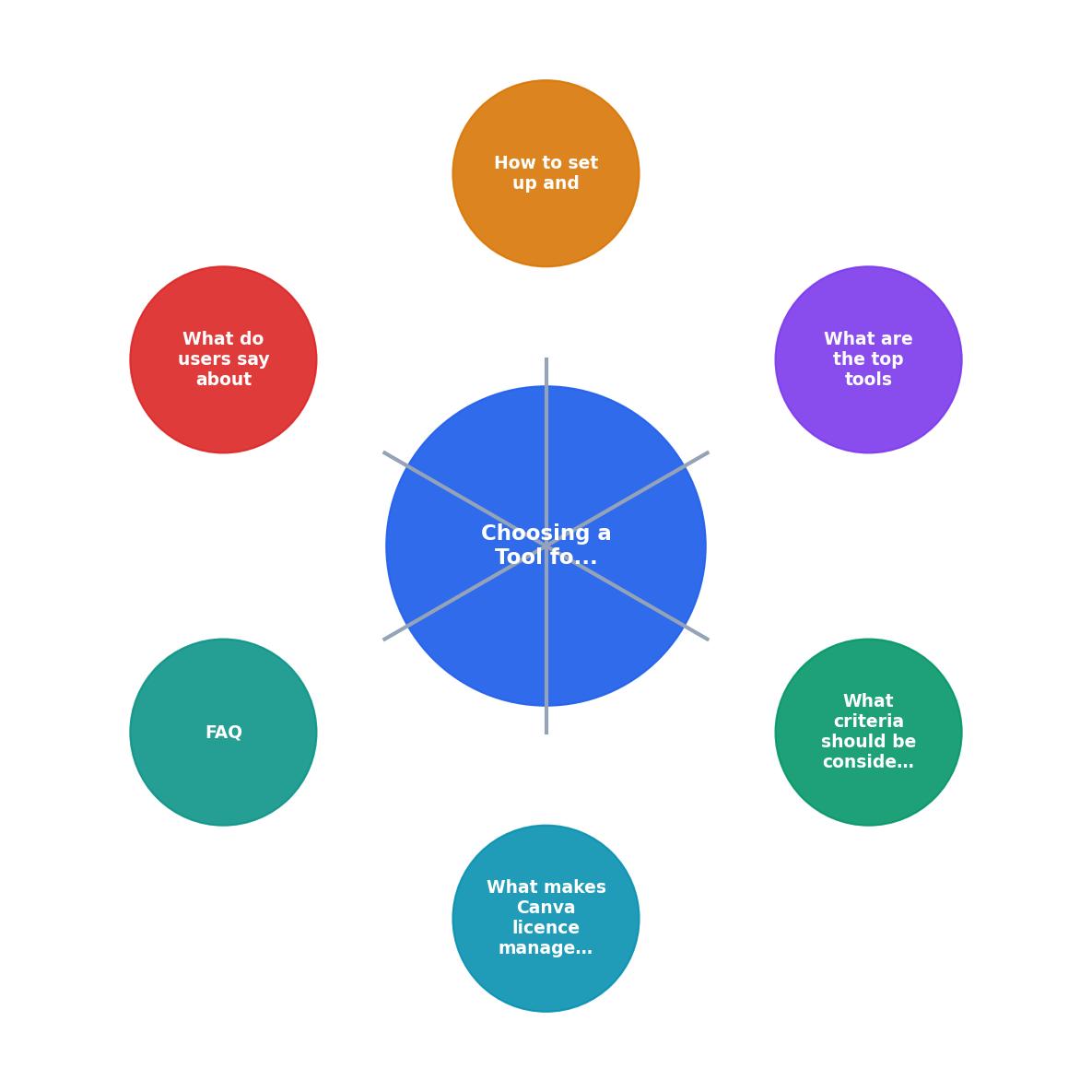
Following the steps shown in the diagram:
- Create account. Sign up on the tool's website. Most offer a free trial so you can test before paying.
- Connect Canva. Authorize the tool to access your Canva account. This usually takes one OAuth click.
- Select designs. Pick individual designs or choose "select all" for a full bulk export.
- Choose export format. PDF for legal proof, CSV for spreadsheet tracking, or both.
- Download. Hit the button. The tool pulls licence data for every premium and free element in your selected designs.
- Organize files. Store the downloaded certificates in a dedicated folder. Cloud storage (Google Drive, Dropbox) works well for quick retrieval.
The entire process from signup to first batch download typically takes under 15 minutes. After that, running monthly or weekly downloads is a two-minute habit.
What Users Report
Small-business owners who switched from manual licence tracking to a dedicated tool consistently mention three improvements:
- Time savings. What used to take 2-3 hours per month now takes under 15 minutes.
- Confidence during disputes. Having a PDF certificate ready to attach to an email or support ticket resolves copyright questions fast.
- Better organization. Auto-named files sorted by date and design name eliminate the "which screenshot was that?" problem.
Canva Licence Tool Selection Checklist
Your progress is saved automatically in your browser.
FAQ
Frequently Asked Questions
Additional Resources
- Canva's licensing explained - At Canva, content can be either Free or Pro. You can use Free content at no cost – as the name suggests! Our Free and Pro Content licenses cover all of the ...
- Canva Pro | Your all-in-one design solution - Elevate with your work with Canva Pro's premium features and AI tools. Easily create stunning social media content, photos, videos, presentations, and more.
- Is Canva Pro Worth It? An Honest Verdict (Updated 2026) - Test Canva Pro features like Brand Kit, Background Remover, Magic Resize, premium templates, and more with a free trial. Try Pro for Free. Magic Studio AI Tools.
Need to Download Your Licences?
Save hours of manual work. We download all your stock photo licence certificates for you.
Get Started“Thanks to LicenceDownloader.com, I was able to download more than 1,000 Freepik licences and receive them all at once via ZIP.”
Marlon Mainardy