Export Getty Images Licences for Legal Compliance
Navigating the complex world of stock media licences can be daunting, especially for agencies handling multiple projects and clients. Ensuring that your agency has audit-ready proof of licences from platforms like Getty Images is crucial for legal compliance and protection against copyright claims. This article explores how to efficiently export and manage Getty Images licences to keep your agency legally protected.


Navigating the complex world of stock media licences can be daunting, especially for agencies handling multiple projects and clients. Ensuring that your agency has audit-ready proof of licences from platforms like Getty Images is crucial for legal compliance and protection against copyright claims. This article explores how to efficiently export and manage Getty Images licences to keep your agency legally protected.
Photo by Mikael Blomkvist from Pexels
TL;DR
- Access Getty Images and use their export tools to download licences.
- Organize and store these licences for easy access and compliance checks.
- This practice ensures legal protection across agency projects.
Importance of Exporting Getty Images Licences
In the fast-paced world of creative agencies, managing licences for stock media is crucial. These licences serve as proof of legal rights to use the images, videos, or music in your projects. Failure to maintain these documents can lead to costly legal disputes, damage to your agency's reputation, and potential financial penalties.
Why Licences Matter
Licences provide the legal framework that allows you to use stock images without infringing on copyright. They outline the scope of use, duration, and any restrictions. For agencies, having these documents readily available is essential for auditing purposes and to respond swiftly to client or legal requests.
Navigating the Getty Images Platform
Successfully exporting licences begins with understanding how to navigate the Getty Images platform. Here's a step-by-step guide to get you started.
Logging In and Locating Licence Tools
- Log in to Getty Images: Use your credentials to access your account.
- Navigate to 'My Account': This section contains all your purchase history and licence information.
- Locate the Licence Management Tool: Within your account, find the section dedicated to managing and exporting licences.

Understanding the Interface
The Getty Images interface is designed to be user-friendly, but it can be overwhelming at first. Familiarize yourself with the dashboard and the location of key tools to facilitate the export process.
Exporting Licences from Getty Images
With a clear understanding of the platform, you can now focus on exporting the licences. This process ensures you have all necessary documentation for compliance.
- Select the Licences: Navigate to the list of purchased items and select the licences you need to export.
- Choose the Export Option: Use the export button to download the licences in your preferred format (PDF, CSV, etc.).
- Verify the Download: Ensure all selected licences are included in the export and that the files are complete.
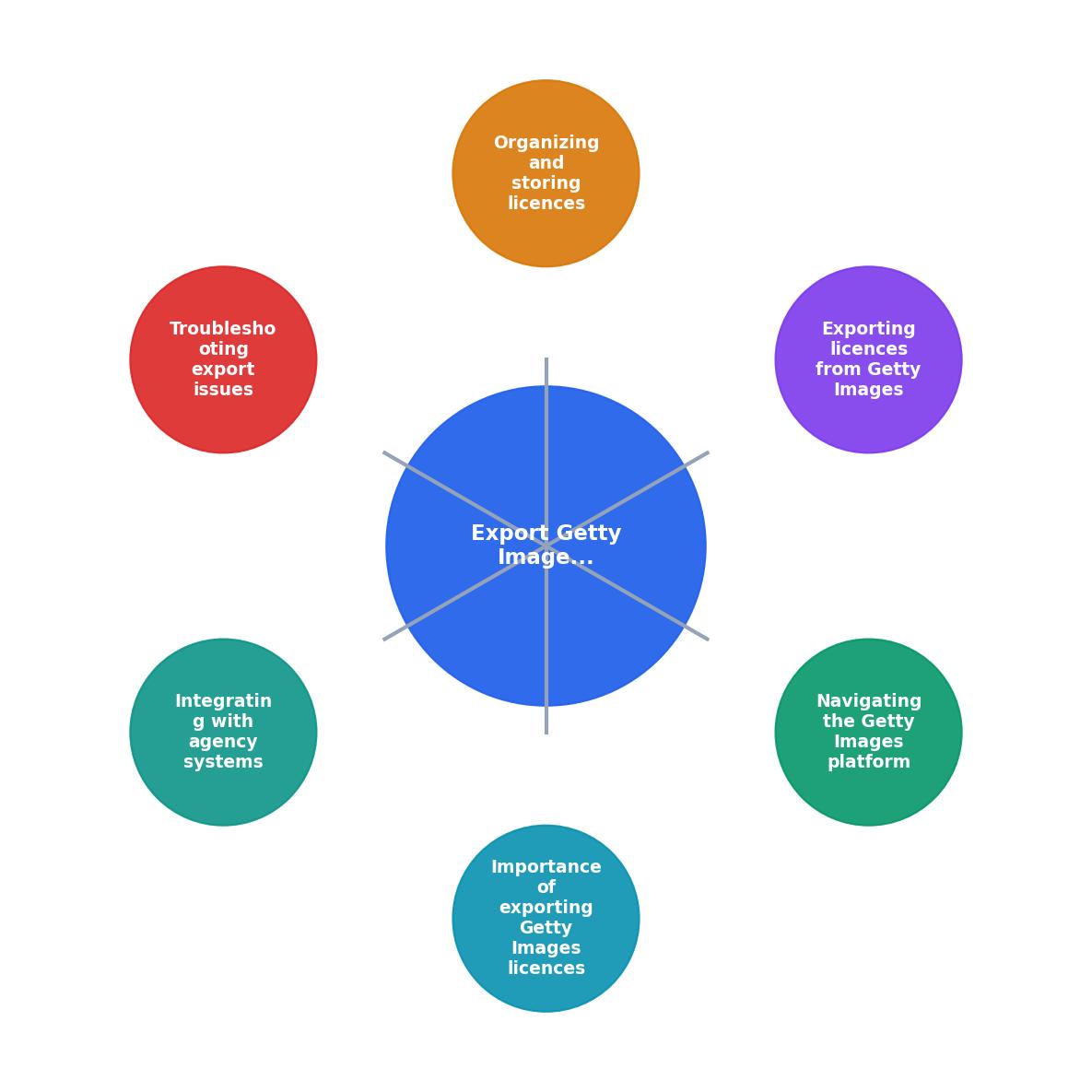
Organizing and Storing Licences
Now that you have your licences, the next step is organizing them in a way that makes them easily accessible.
- Create a Central Repository: Use a cloud-based storage solution to keep all licences in one place.
- Implement a Naming Convention: Consistently name files to include project names, dates, and licence types.
- Regularly Update the Archive: Set reminders to periodically update your licence repository with new exports.
Troubleshooting Export Issues
Even with a well-designed system, you might encounter issues during the export process. Here are some common problems and their solutions.
Common Problems and Solutions
- Incomplete Downloads: Double-check your internet connection and try re-exporting the files.
- Missing Licences: Ensure that all purchases are reflected in your account; contact Getty Images support if discrepancies arise.
- File Corruption: Use reputable software to open and verify the integrity of downloaded files.

Integrating with Agency Systems
To streamline the management of licences, consider integrating your licence archive with other agency systems.
Tips for Seamless Licence Management
- Use License Management Software: Tools like Licence Downloader can automate the export and organization process.
- Set Up Automated Alerts: Receive notifications when new licences need to be exported or when there are changes to existing licences.
- Coordinate Across Teams: Ensure all team members have access to the licence repository and understand the importance of keeping it updated.
Custom HTML Visualization of Licence Management
To better illustrate how an effective licence management system can look, here is a custom HTML component representing a typical agency's licence dashboard. This visualization shows how licences can be organized and tracked efficiently.
Licence Management Dashboard
This dashboard example demonstrates how licences can be categorized by client and easily tracked, facilitating compliance and operational efficiency.
FAQ
Frequently Asked Questions
Steps to Export and Manage Getty Images Licences
Your progress is saved automatically in your browser.
Have you faced challenges with licence management in your agency? Share your experiences in the comments below!
Additional Resources
- Getty Images Content License Agreement - This is a license agreement between you and Getty Images that explains how you can use photos, illustrations, vectors, and video clips
- Getty Images Copyright Risk Profile - For users who license content correctly, Getty provides real legal protection. Royalty-free creative licenses include model and property releases, ...
- Getty Images' Royalty-Free Image and Video License ... - Licensee shall, at Getty Images' request, provide a certificate of compliance signed by an officer of Licensee, in a form to be approved by Getty Images.
Need to Download Your Licences?
Save hours of manual work. We download all your stock photo licence certificates for you.
Get Started“Thanks to LicenceDownloader.com, I was able to download more than 1,000 Freepik licences and receive them all at once via ZIP.”
Marlon Mainardy