Intitle:'envato elements' 'license': Practical Guide
Searching "intitle:envato elements license" brings you face-to-face with a real problem: you have stock assets scattered across your Envato account, but you have no clear way to prove you own them when a client asks, when a platform flags an image, or when you need audit-ready documentation. Most creators and teams don't realize their licence proof is buried deep in account dashboards, exported as cryptic PDFs, or not saved at all until the moment they need it most.

Searching "intitle:envato elements license" brings you face-to-face with a real problem: you have stock assets scattered across your Envato account, but you have no clear way to prove you own them when a client asks, when a platform flags an image, or when you need audit-ready documentation. Most creators and teams don't realize their licence proof is buried deep in account dashboards, exported as cryptic PDFs, or not saved at all until the moment they need it most.
Photo by burcubyzt_85 from Pexels
TL;DR:- Envato Elements licence certificates live in your account download history but are not automatic; you must export them manually or find them in transaction records.
- Collecting proof from multiple platforms and organising it by project takes hours if done manually, automation cuts this to minutes.
- A central archive of all your stock licences protects you legally and lets you hand clients confidence in your sourcing.
- Most teams lose licence documentation when people leave or projects scale; a system prevents that loss.
This guide walks you through exactly where Envato Elements stores licence proof, how to retrieve it reliably, and how to build a system so you never lose track of your assets again.
Why licence proof matters now

Envato Elements licences are perpetual. That means once you download an asset on an active subscription, you keep the right to use it forever, even if your subscription expires. The catch: you need proof of that download. Without it, you cannot prove you had a valid licence at the time of use.
Here's why this matters:
- Client disputes: A client claims you used an unlicensed image. You need to show the download date and licence terms instantly.
- Marketplace flags: Etsy, Shopify, Amazon, or social platforms flag an image as potentially unlicensed. Proof protects your account.
- Legal audits: Your agency is audited for IP compliance. You need batch documentation of hundreds of assets in minutes, not days.
- Team continuity: A designer leaves. You need to know which Envato assets they used in live campaigns so you can transfer rights or re-license.
- Insurance and liability: If a copyright claim ever reaches you, your evidence that the asset was licensed under your account is the first line of defense.
Where Envato stores your licence proof
Envato Elements keeps download history in your account, but it's not immediately obvious how to access or export it. Here's the exact path:
- Log in to your Envato Elements account.
- Click your profile icon (top-right).
- Select "Downloads" or "My Downloads" from the menu.
- You will see a chronological list of everything you have downloaded on that account.
To export or save proof for a specific asset:
- Click the asset name to open its detail page.
- Look for a "Licence" or "Download Information" section.
- Screenshot or download any licence text or terms visible.
- Note the exact download date; this is critical for proving you had an active subscription at that time.
Common mistakes and misconceptions
Mistake 1: Assuming the download page is permanent. Envato can change its interface or hide old download records if you haven't accessed them in years. Relying solely on Envato's memory is risky. You need your own archive.
Mistake 2: Confusing "Extended Licence" with ownership. An Extended Licence from Envato Elements gives you more commercial rights than a Standard Licence, but you never own the asset outright. The creator retains copyright. Your licence is only proof that you paid for the right to use it.
Mistake 3: Not checking licence type at download. Envato Elements offers Standard and Extended Licences. If you plan to use an asset in multiple client projects or sell a product that includes it, you need the Extended version. Standard Licence has restrictions. Downloading the wrong type and realising later is costly.
Mistake 4: Treating team accounts as if they have shared licence history. If your agency uses a shared Envato account, every team member who logs in will see the same download history. If someone leaves, that history remains under your account. You still own the rights to the assets, but you need to know what was downloaded and when, because licence proof follows the subscription account, not the individual.
Mistake 5: Ignoring Envato's Terms of Service. Envato licences are non-exclusive. The same image you download is available to everyone else. If you want exclusive rights, Envato offers a separate extended licence for that. Most teams assume they bought exclusive use and later realise competitors are using the same asset. Know the difference before downloading.
Step-by-step process for collecting and organizing Envato licences
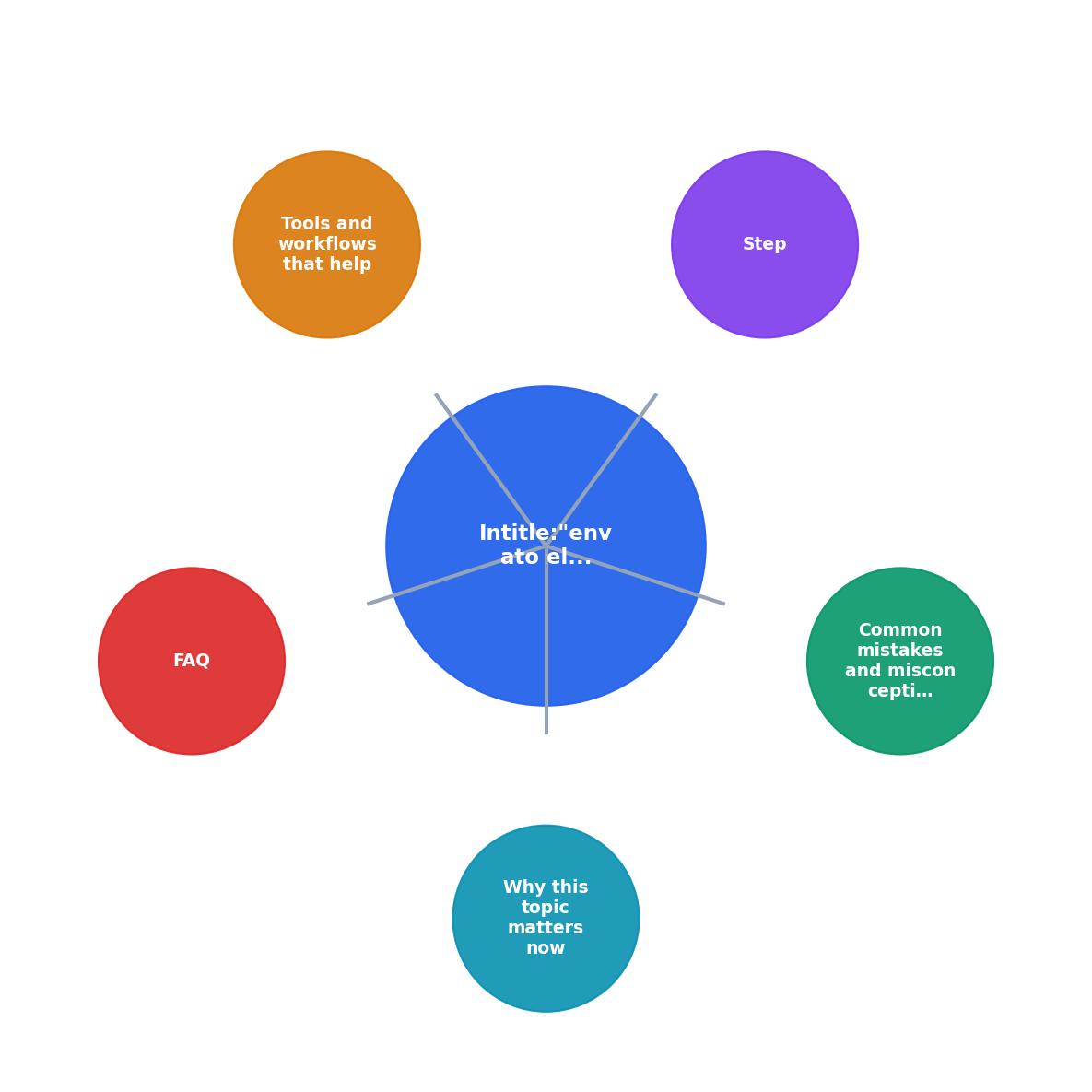
Follow these steps to build a reliable licence archive:
Step 1: Audit your current downloads
Start from your Downloads page in Envato Elements. Do a full export or audit. Use a spreadsheet to record:- Asset name
- Asset URL (link to the Envato page)
- Download date
- Licence type (Standard or Extended)
- Project(s) the asset was used in
- Client (if applicable)
Step 2: Document each download going forward
When you or your team downloads a new asset, immediately record the download date and licence type in your archive. Designate one person (or a shared system) to log this so no one forgets.
Step 3: Store licence certificates locally
For every asset you plan to use in a client project or publish-ready work, download and save the licence text or screenshot proof. Store these files in a folder named after the project or client. Example: /licences/ProjectName_2024/ or /licences/ClientName_Q1_2024/.
Step 4: Link project deliverables to licence records
When you hand off a deliverable to a client, include a "Licence Manifest" document that lists every stock asset in the project, its source (Envato Elements), and a reference to the stored licence proof. This is your proof of due diligence.
Step 5: Automate if you can
If your team uses many platforms (Envato, Freepik, Shutterstock, Adobe Stock), manually collecting licences from each one is a time sink. Tools designed to bulk-download and organize licence certificates from multiple platforms save hours each month.
Tools and workflows that help
Spreadsheet-based tracking (free, manual)
Use Google Sheets or Excel. Columns: Asset Name, URL, Download Date, Licence Type, Project, Client, Proof File Path. Share it with your team. Set reminders to update it weekly. This works for small teams but doesn't scale.
Document management systems (medium effort, team-friendly)
Notion, Airtable, or Basecamp can store licence records with attachments. Set up a form so team members can log downloads as they happen. Link each record to a project or client folder. Better than spreadsheets for larger teams.
Dedicated licence archive tools (highest efficiency)
Tools built specifically for stock-licence management can connect to your Envato account, Freepik, Shutterstock, and other platforms, then bulk-download licence certificates, organize them by asset or project, and generate audit reports. These tools cut collection time from hours to minutes and reduce human error.
Whichever you choose, the key is consistency: set a routine, assign responsibility, and check it monthly.
When your team scales or changes
If you hire contractors or full-time designers, make licence tracking a day-one onboarding task. Show them your archive system and teach them how to log downloads. If someone leaves, transfer their downloaded assets to your company account or document them clearly so you retain proof even after they're gone.
For agencies with multiple clients, a per-client folder system works best. When a project ends, move its licence records to a "Completed Projects" archive. This lets you respond fast if a client ever asks for proof years later.
Your Licence Readiness Status
This card shows the five markers of a truly protected Envato licence system. If you have the first three locked down, you're safer than most. The last two ensure your protection survives staff changes and emergencies.
Building client confidence with proof

When you hand over a project to a client, include a brief "Asset Licencing Confirmation" document. It should say:
"This project contains X stock assets, all sourced from licensed platforms (Envato Elements, Adobe Stock, etc.). Each asset carries a Standard/Extended Licence valid for the intended use. Licence documentation is attached and available for audit. The client owns the final deliverable; underlying stock assets remain subject to their original licence terms."
This reassures the client that you've done your homework and protects you if they ever face a compliance question.
Protecting yourself from copyright claims

A copyright claim can arrive from anywhere: a marketplace, social platform, or third party claiming the asset you used is unlicensed. Your first response must be proof. Having a dated, organized archive of your Envato download means you can reply within minutes: "I downloaded this asset on [date] under an active Envato Elements subscription. Here is my licence proof."
This is why the system matters. It's not just about organisation. It's about legal protection. The moment you can show proof of a valid licence, most copyright disputes dissolve or shift in your favour.
Envato Elements Licence Collection Checklist
Your progress is saved automatically in your browser.
FAQ
Frequently Asked Questions
The reality is this: Envato Elements licence proof is not hard to get, but it is easy to lose. The platform doesn't email certificates, and your account history can feel buried. The moment you treat licence tracking as a routine, logging every download, storing proof locally, and including a manifest with every project, you transform a legal liability into a protected asset. Your clients see professionalism. Your team knows exactly what's covered. If a question ever arises, you have the answer in minutes.
Have you built a licence system for your team, or are you starting from scratch with Envato?
Need to Download Your Licences?
Save hours of manual work. We download all your stock photo licence certificates for you.
Get Started“Thanks to LicenceDownloader.com, I was able to download more than 1,000 Freepik licences and receive them all at once via ZIP.”
Marlon Mainardy