
Ad platforms like Facebook, Google, and TikTok increasingly scrutinize the images you use in campaigns, and they can suspend your account or remove ads if they suspect copyright violations. When an audit happens, you need proof that every image you used was properly licensed. Small businesses often discover too late that they have no documented proof of purchase or licence terms, leaving them vulnerable to penalties, takedowns, or account bans. This guide shows you exactly what documentation ad platforms require, how to organize it systematically, and how to stay compliant so you're never caught off guard.
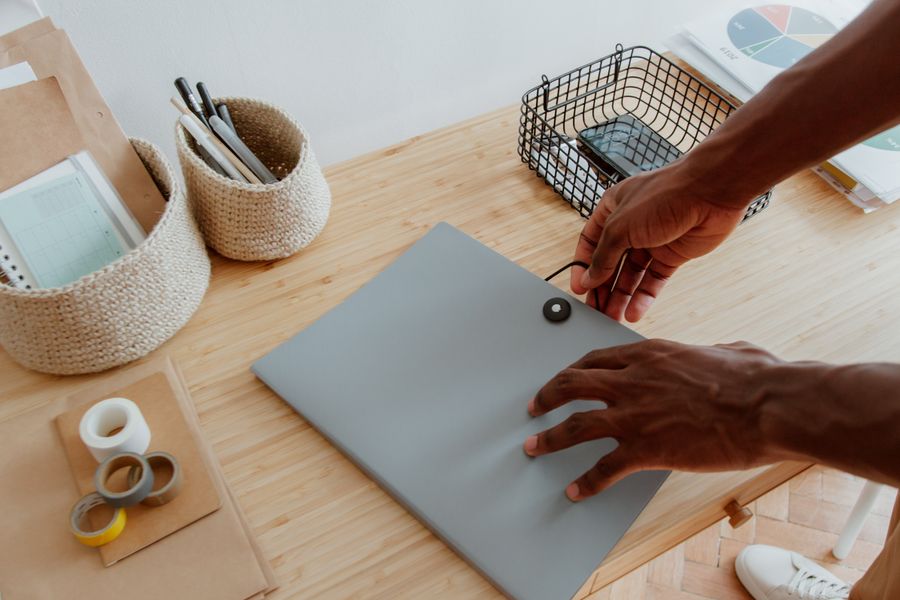
Photo by Nataliya Vaitkevich from Pexels
TL;DR:- Ad platforms require proof of licence for every image used in campaigns, including purchase receipts, licence certificates, and terms of service acknowledgment.
- Organize documentation by platform, campaign, and asset to make audits fast and painless.
- Maintain compliance by saving records immediately upon purchase and automating collection where possible.
What Documentation Do Ad Platforms Require?

When Facebook, Google Ads, or any major ad network audits your account, they want to see proof that you own or have the right to use every image in your campaigns. This isn't a legal technicality, it's their liability shield. If you can't prove a licence, the platform assumes the image is stolen and your account is at risk.
Core documents you must have on hand:
- Purchase receipts or invoices, proof that you bought or licensed the image from a legitimate stock platform (Freepik, Canva, Shutterstock, Adobe Stock, Envato, iStock, Depositphotos). Include transaction ID, date, and amount paid.
- Licence certificates, many platforms issue these when you download an image. They state the licence type, allowed uses, and restrictions. Screenshot or download them immediately.
- Subscription proof, if you use Canva Pro or a similar subscription service, keep a copy of your active subscription confirmation showing the plan and billing period.
- Rights granted documentation, the specific terms of your licence. For example, "Commercial use allowed" or "Extended licence, includes use in ads." This prevents disputes over what you're permitted to do.
- Image metadata, filename, platform source, download date, and any keywords you tagged it with. This helps you match images in your ads to purchase records.
- Campaign records, screenshots or exports showing which images you used in which ad campaigns, when they ran, and their performance.
"If you are a Service Provider, please read our guide on Service Provider Audits instead.">, Microsoft Licensing Audit Survival Guide 2026
Ad platforms distinguish between free and paid assets. Free assets often have restrictions (no commercial use, attribution required). Paid assets typically allow commercial use in ads, but terms vary. The platform auditor will cross-check your ads against your documentation to confirm every image falls into the paid or explicitly permitted-free category.
How to Collect and Organize Audit Documentation

The moment you download or purchase an image for ad use, start collecting proof. Waiting until an audit notice arrives is far too late. Build a system that captures documentation automatically and keeps it organized so you can retrieve any licence in seconds.
Step 1: Create a central storage location
Set up a folder structure in Google Drive, Dropbox, or your local computer that mirrors your ad platform setup. Use this layout:
Ad Licence Documentation/
├── Facebook Ads
│   ├── Campaign Q1 2026
│   │   ├── image_001.jpg
│   │   └── image_001_receipt.pdf
│   └── Campaign Q2 2026
├── Google Ads
│   ├── Search Campaign Spring
│   └── Display Campaign Q2
└── TikTok Ads
    └── 2026 Product Launch
Each image gets its own subfolder with the actual asset plus all related proof (receipt, certificate, licence terms, metadata).
Step 2: Download and save licence certificates immediately
When you buy or download an image from Freepik, Shutterstock, Canva, or Adobe Stock, these platforms offer a licence certificate or proof of purchase. Screenshot it or export it as PDF right away. Don't assume you can retrieve it later, many platforms delete or archive this proof after a few months.
For Freepik Free images: You must cite the artist and only use images marked "Free Commercial". Save the artist attribution and licence type confirmation.
For Canva Pro: Screenshot your subscription status and the licence terms shown when you use an image (usually available at the bottom of the editor).
For Shutterstock or Adobe Stock: Download the licence certificate provided at purchase. Tag it with the image name so you know which asset it covers.
Step 3: Export receipts and subscription proofs
Pull your purchase history from each platform quarterly or before major campaigns. Export as CSV or PDF. Include:- Transaction date
- Image ID or filename
- Licence type
- Amount paid
- Account name (if you use multiple accounts)
Step 4: Tag images with metadata
Before uploading an image to an ad campaign, add a filename label or spreadsheet row that records:- Source platform (Freepik, Canva, etc.)
- Download date
- Licence type (commercial, editorial, extended)
- Campaign it's used in
- Expiry date (if subscription-based)
| Image Name | Source | Download Date | Licence Type | Campaign | Status |
|---|---|---|---|---|---|
| hero_banner_v1.jpg | Canva Pro | 2026-01-15 | Commercial | Q1 Product Launch | Active |
| team_photo_002.png | Shutterstock | 2026-02-03 | Extended | Company Page Ads | Active |
Why Maintaining Compliance Matters for Ad Platforms
Ad platforms don't just conduct random audits. They investigate when a copyright holder files a complaint, when an automated system flags suspicious image use, or during routine compliance sweeps. If you can't produce documentation, the consequences are severe.
What happens if you fail an audit:
- Account suspension, Facebook, Google, or TikTok freezes your ad account temporarily or permanently.
- Ad removal, campaigns using unlicensed images are paused immediately, killing your marketing momentum.
- Financial penalties, some platforms charge fees for violations; copyright holders may pursue legal claims.
- Reputation damage, a public suspension signals to customers that your business cuts corners.
- Loss of accumulated data, if your account is banned, you lose campaign history, audience insights, and audience lists built over time.
On the flip side, maintaining complete, organized documentation protects you:
- You can prove compliance instantly if audited.
- You avoid account suspensions and campaign interruptions.
- You reduce legal exposure from copyright claims.
- You build trust with your platform (accounts with clean compliance records get better support).
- You scale ad spend confidently without fear of sudden enforcement.
How to Prepare a Checklist for Audit Readiness
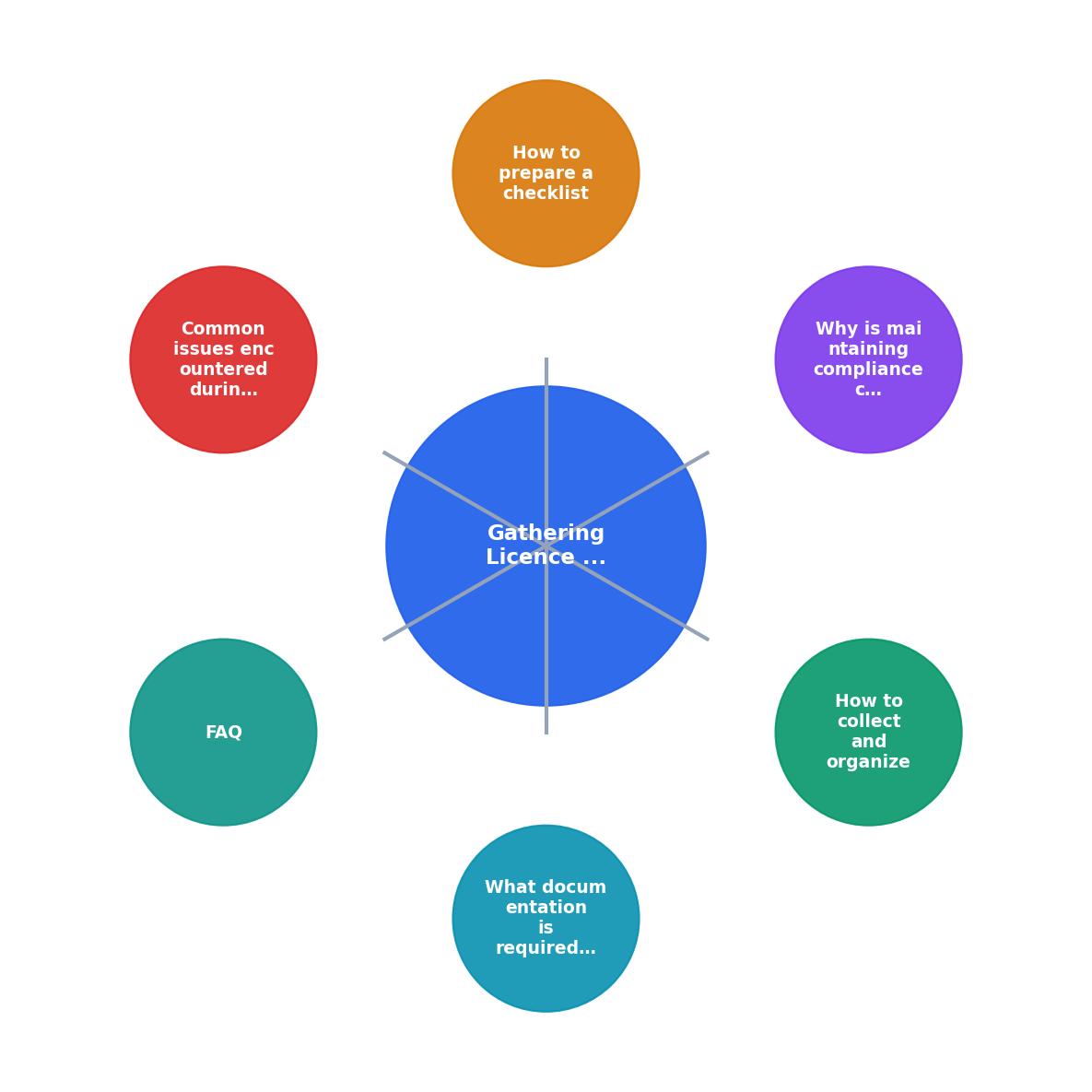
The documentation collection process follows five clear steps: Identify, Collect, Organize, Verify, and Store. Each step removes risk and accelerates your response if an audit arrives.
Interactive Audit Documentation Tracker
Understanding the flow is one thing; visualizing your actual audit readiness is another. Below is an interactive tracker showing how a typical small business organizes its licence documentation across platforms and campaigns:
Example: Small E-Commerce Business Audit Readiness
This tracker shows a real scenario: a small business managing 47 licensed images across two ad platforms. Two licence certificates are still pending (missing from the platform vendor), and one Google Ads campaign is missing metadata. Overall audit readiness is very strong, the business can respond to a compliance check in hours, not days.
Common Issues During Ad Platform Audits
Audits surface problems you might not expect. Here are the most frequent issues and how to solve them:
Missing licence certificates
Some stock platforms delete certificates after 90 days. Solution: download them immediately upon purchase and store them locally. If a certificate is gone, contact the platform's support team and request a replacement or written confirmation of the licence.
Subscription lapsed without notice
If you used Canva Pro and your subscription expired, images you downloaded during the paid period may still be usable, but only if you can prove the subscription was active when you downloaded them. Save monthly subscription confirmations with dates.
"Free for personal use" images used in ads
This is the most common violation. Free images often prohibit commercial use. Solution: always verify the licence type before downloading. If in doubt, buy the commercial licence or find an alternative image.
Mismatched image names and receipts
You downloaded an image but can't trace the receipt because the filename doesn't match the platform's inventory. Solution: use consistent naming conventions and always tag images with platform, date, and licence ID immediately after downloading.
Multiple accounts, scattered records
If you use Freepik on one account, Adobe Stock on another, and Canva Pro on a third, your records are fragmented. Solution: create a master spreadsheet that indexes all images by platform, linking each to its proof file.
Audit Readiness Checklist
Your progress is saved automatically in your browser.
FAQ
Frequently Asked Questions
Additional Resources
- Microsoft Licensing Audit Survival Guide 2026 - What happens during a Microsoft licensing audit? SAMexpert explains the process, timelines, risks, and proven defence strategies.
- Auditing Software License Compliance: A Checklist for In- ... - An internal software license compliance audit helps you identify compliance issues and prevent software license violations by inventorying ...
- Microsoft License Audit Survival Guide for Businesses - Think a Microsoft license audit starts with a formal notice? Think again. Learn the triggers, risks, penalties, and survival strategies.
Need to Download Your Licences?
Save hours of manual work. We download all your stock photo licence certificates for you.
Get Started“Thanks to LicenceDownloader.com, I was able to download more than 1,000 Freepik licences and receive them all at once via ZIP.”
Marlon Mainardy